Your employees are simultaneously your greatest security vulnerability and your strongest line of defense. The difference between the two comes down to training. Over 80% of data breaches involve a human element — phishing clicks, weak passwords, misconfigured settings, or mishandled data. Security awareness training is the most cost-effective way to reduce this risk.
But not all training programs are created equal. Annual compliance-checkbox training that employees click through while doing other work produces minimal behavior change. This guide provides a step-by-step framework for building a training program that actually changes how your team thinks about and handles security.
Step 1: Assess Your Current Baseline
Before designing your training program, measure where your team currently stands. This baseline helps you focus training on actual weaknesses and measure improvement over time.
Run a baseline phishing simulation. Send a realistic (but safe) phishing email to all employees and track who clicks. This gives you an honest click rate before any training begins. Typical untrained click rates range from 20-35%.
Survey security knowledge. Send a brief quiz covering basic security topics — password practices, phishing recognition, data handling, incident reporting. Identify common knowledge gaps.
Review past incidents. Look at any previous security incidents or near-misses. These reveal specific areas where training is most needed.
Observe current practices. Are employees locking their screens? Using password managers? Verifying unusual requests? Real-world observation often reveals gaps that surveys miss.
Step 2: Design Your Training Program
An effective training program has clear structure, defined goals, and content tailored to your specific risks.
Program Structure
New employee onboarding training (60-90 minutes): Comprehensive security orientation covering all core topics. Complete within the first week of employment.
Monthly micro-training (5-10 minutes): Short, focused modules on a single topic delivered monthly. These keep security top-of-mind without creating training fatigue.
Quarterly deep-dive sessions (30-45 minutes): More detailed sessions covering trending threats, new policies, or lessons learned from recent incidents.
Continuous phishing simulations (monthly): Regular simulated phishing emails with immediate feedback for those who click.
Step 3: Cover the Essential Topics
Your training program should cover these core topics, with emphasis based on your baseline assessment results.
Phishing and Social Engineering
How to identify phishing emails — urgency cues, sender address inconsistencies, suspicious links, and unexpected attachments
Phone-based social engineering (vishing) and SMS phishing (smishing)
Business email compromise and impersonation attacks
How to verify suspicious requests through out-of-band communication
How to report suspected phishing — make the process simple and non-punitive
Password and Authentication Security
Why password length matters more than complexity
How to use the company password manager effectively
Why password reuse is dangerous and how breaches cascade across accounts
How MFA works and why it is essential
Recognizing MFA fatigue attacks (repeated push notifications)
Data Handling and Privacy
Classifying sensitive data — what counts as PII, financial data, health information
Proper methods for sharing sensitive information (encrypted email, secure file sharing)
What not to share on social media or public forums
Clean desk policy and physical document security
Data retention and destruction requirements
Device and Network Security
Locking screens when stepping away
Connecting only to trusted Wi-Fi networks
Not using public USB charging stations (juice jacking)
Keeping software and devices updated
Reporting lost or stolen devices immediately
Incident Reporting
What constitutes a security incident worth reporting
Exact steps for reporting — who to contact, what information to provide
The importance of reporting quickly, even when unsure
No-blame culture — employees should never be punished for reporting potential incidents, even if they made a mistake
Step 4: Choose Your Delivery Format
Different formats work for different topics and team sizes. Use a mix for maximum effectiveness.
Online modules: Platforms like KnowBe4, Proofpoint, or Ninjio offer pre-built training libraries with tracking and reporting. Best for monthly micro-training and onboarding.
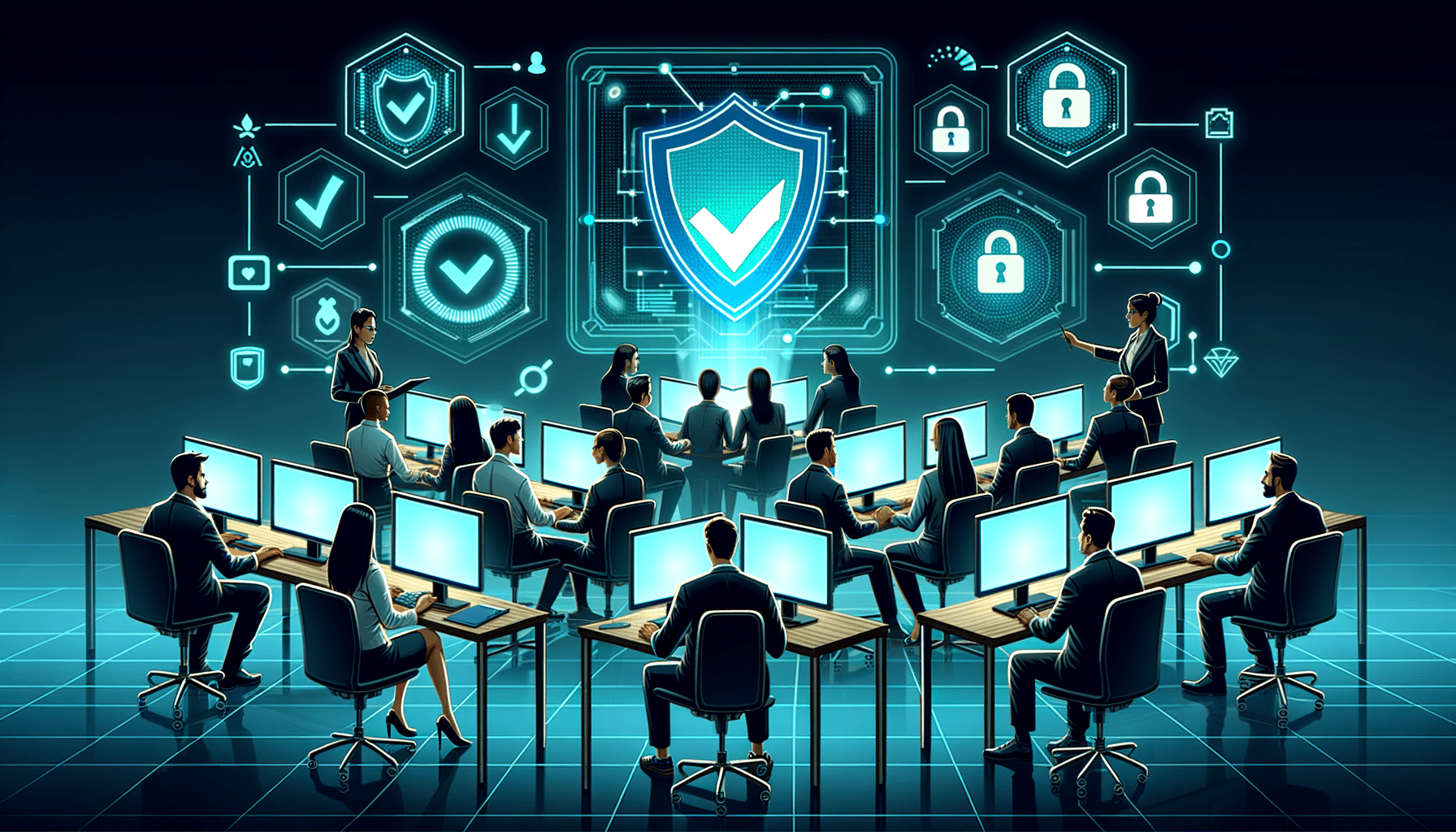
Live sessions: In-person or video-conference training led by a knowledgeable presenter. Best for quarterly deep-dives, new threat briefings, and interactive exercises.
Simulated attacks: Phishing simulations provide experiential learning that is significantly more effective than passive training. Employees who experience a simulated attack learn far more than those who simply watch a video about phishing.
Written materials: Brief security tips, policy summaries, and quick-reference guides distributed via email or posted in common areas. Useful as reinforcement between formal training sessions.
Gamification: Leaderboards, quizzes with prizes, and team competitions increase engagement and participation. Many training platforms include gamification features.
Step 5: Measure Effectiveness and Improve
A training program without measurement is just a compliance checkbox. Track these metrics to verify your program is actually changing behavior.
Phishing simulation click rate: Track monthly. Your goal is to get below 5% and keep it there. The most important single metric.
Phishing report rate: What percentage of employees report simulated phishing emails? This measures security awareness culture. A high report rate is more valuable than a low click rate.
Training completion rate: Are employees actually completing assigned training? Track completion and follow up with non-completers.
Knowledge assessment scores: Pre- and post-training quizzes measure knowledge gains. Track trends over time.
Incident reports: Are employees reporting more suspicious activity? An increase in reports (especially early on) usually indicates improved awareness, not more attacks.
Time to report: How quickly do employees report suspicious activity? Faster reporting enables faster response.
Common Mistakes to Avoid
Punishing employees for failing phishing simulations. Punishment creates fear of reporting, which is far more dangerous than clicking a link. Use failures as teaching moments.
Training only once per year. Annual training is quickly forgotten. Monthly touchpoints maintain awareness.
Making training boring. Dry, compliance-focused content disengages employees. Use real-world examples, interactive exercises, and relevant scenarios.
Ignoring executive training. Executives are prime targets for whaling and BEC attacks. They need training too — perhaps more than anyone.
One-size-fits-all content. Different roles face different risks. Customize training for finance teams (wire fraud), HR (data handling), IT (privileged access), and front-line staff (social engineering).
Build Your Training Program with Bellator Cyber Guard
An effective security training program transforms your employees from security liabilities into active defenders. Bellator Cyber Guard helps small businesses design, implement, and manage comprehensive security awareness programs — including phishing simulations, customized training content, and ongoing measurement — so you can build a genuine security culture, not just check a compliance box.
Contact us at guard@bellatorit.com to assess your team's current security awareness and design a training program that delivers real behavior change.
Share
(800) 492-6076Free Consultation
Is your business protected?
Most small businesses discover vulnerabilities only after an attack. Get ahead of the threat.